Lycia Theme Designer Functionality
Lycia Theme Designer allows the developer to create the unique style for his application by setting the corresponding properties to a form element.
Lycia Theme Designer is a standalone tool in Lycia Development Suite, that can be launched from Start Menu → Querix → Lycia Theme Designer.
A 4GL program may contain several theme files that can be invoked at any time of an application execution. Moreover, it is possible to apply any theme available even though it may belong to another application (see apply_theme function description).
Lycia Theme Designer is provided with the user-friendly graphical interface allowing easy manipulation of the objects and clearly arranged change tracking inside it. Its layout is:
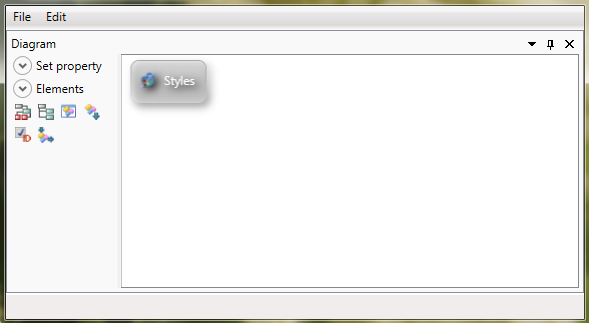
Styles view contains the properties set for different form elements to be applied to an application this theme file is invoked for. Typically, element objects serve as filters allowing nesting and grouping the properties within them. But sometimes the developing tasks may demand another solutions.