IsMultiSelect
IsMultiselect: when set to TRUE, provides a selection of several rows during the data display. To select a continuous set of rows, the user should select a row and then another one, keeping the Shift button pressed. To select separate rows, one should keep the Ctrl button pressed.
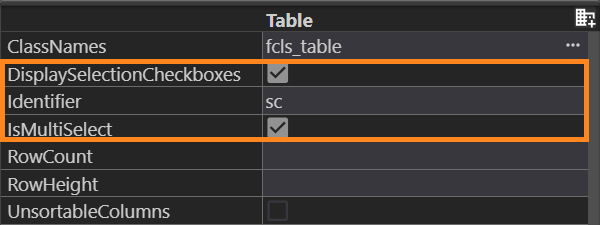
For the Table container, multi-selection functionality is provided by the checkboxes. The DisplaySelectionCheckboxes property must be enabled along with isMultiSelect:
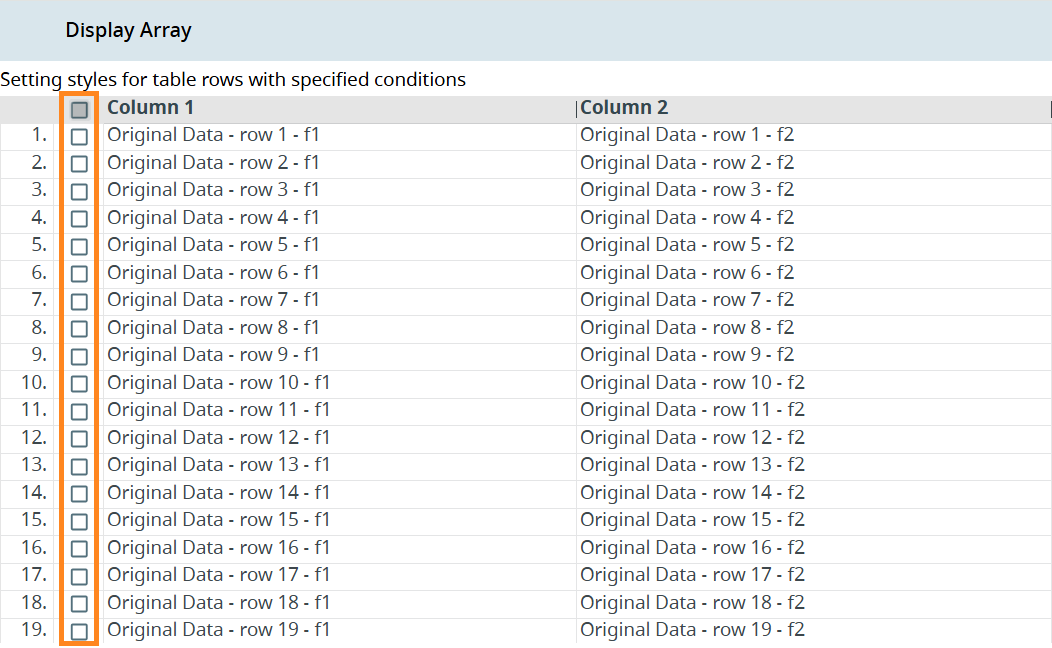
With these two properties enabled, a table receives a column with checkboxes that can be used to select specific rows: