Adding images
To add an image to your report, please follow these steps.
 Step 1. Drag and drop the Image element to your report.

It starts the Edit Image Item window:
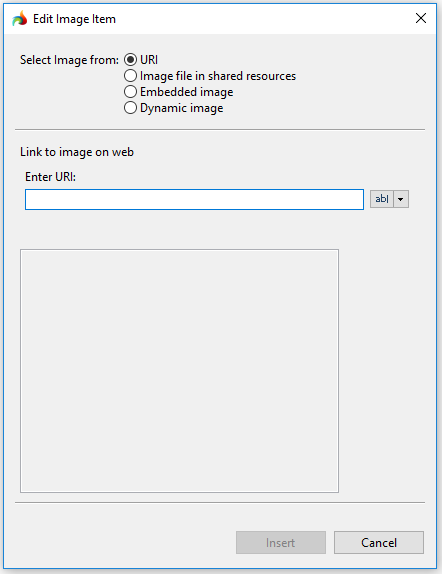
Step 2. Select the image you want to add.
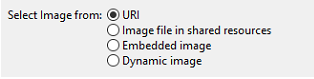
You can add an image:
- by URI - the image URL is added by typing or by copy-pasting,
- from a shared resource - you must specify the path for the selected image,
- as an embedded image - you select an image that was already used in your report from the list of the images stored within it, or
- as a dynamic image - the image is retrieved from a BYTE column of the database.
The preview is not available for dynamic images.
The selected image file will open in the preview.
Step 3. Click Insert to add the image.
In the report design editor, the image can be displayed as  which is normal:

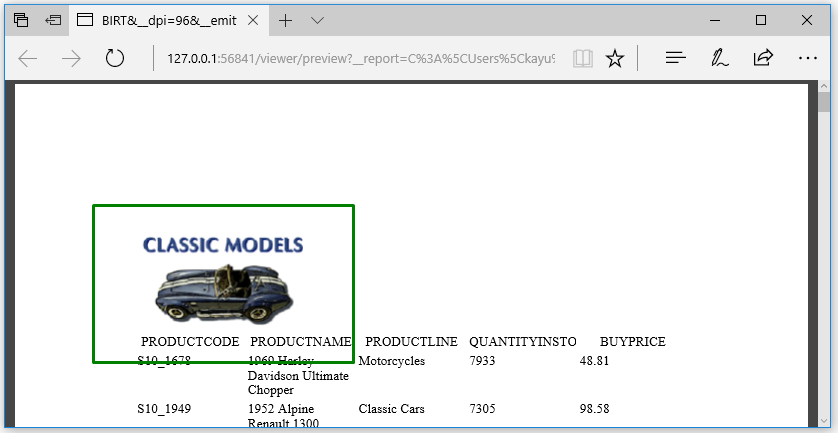
The image can be viewed normally when you generate output:
This video offers a short overview of how to add an image to the report: