QR Codes
Creating QR Codes
With Lycia, you can create QR codes from custom text.
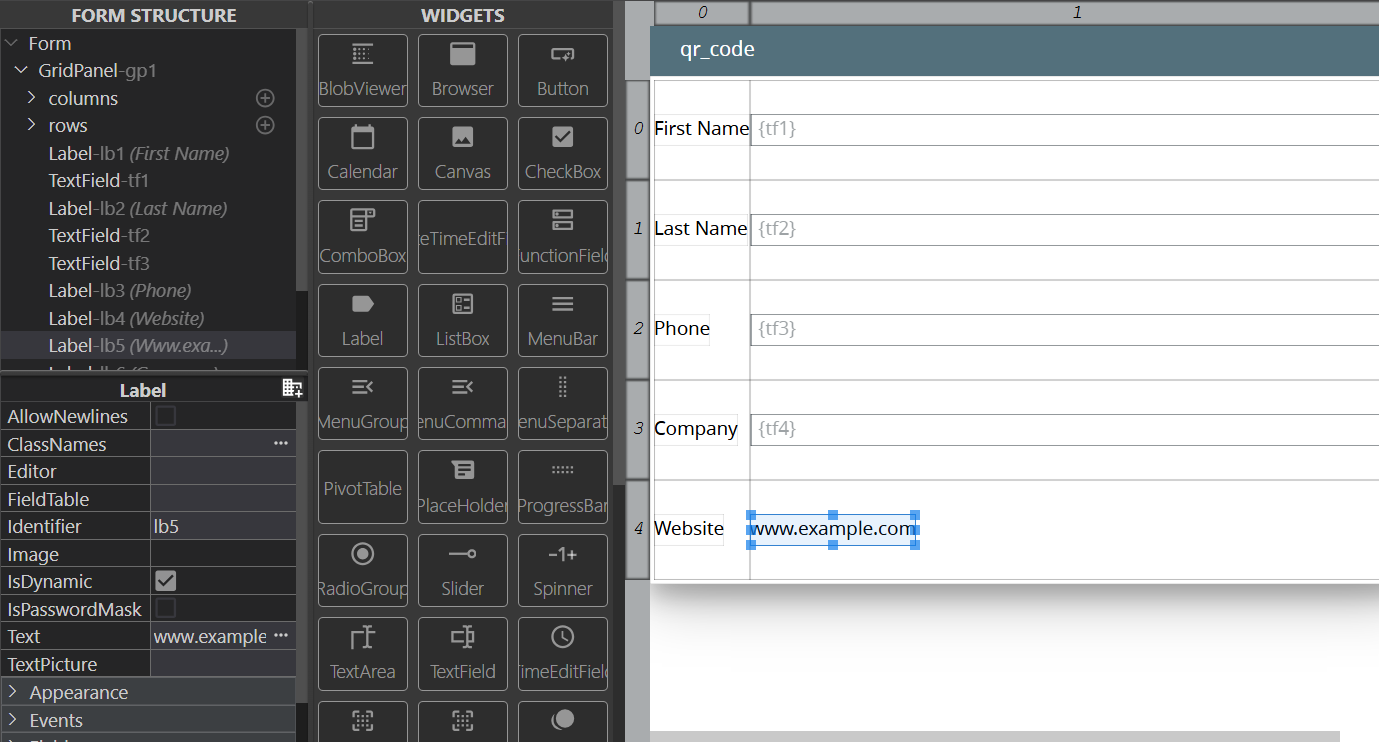
Step 1. Create a Label in a form for the location where you need QR code placed. In the Text property, add the link:
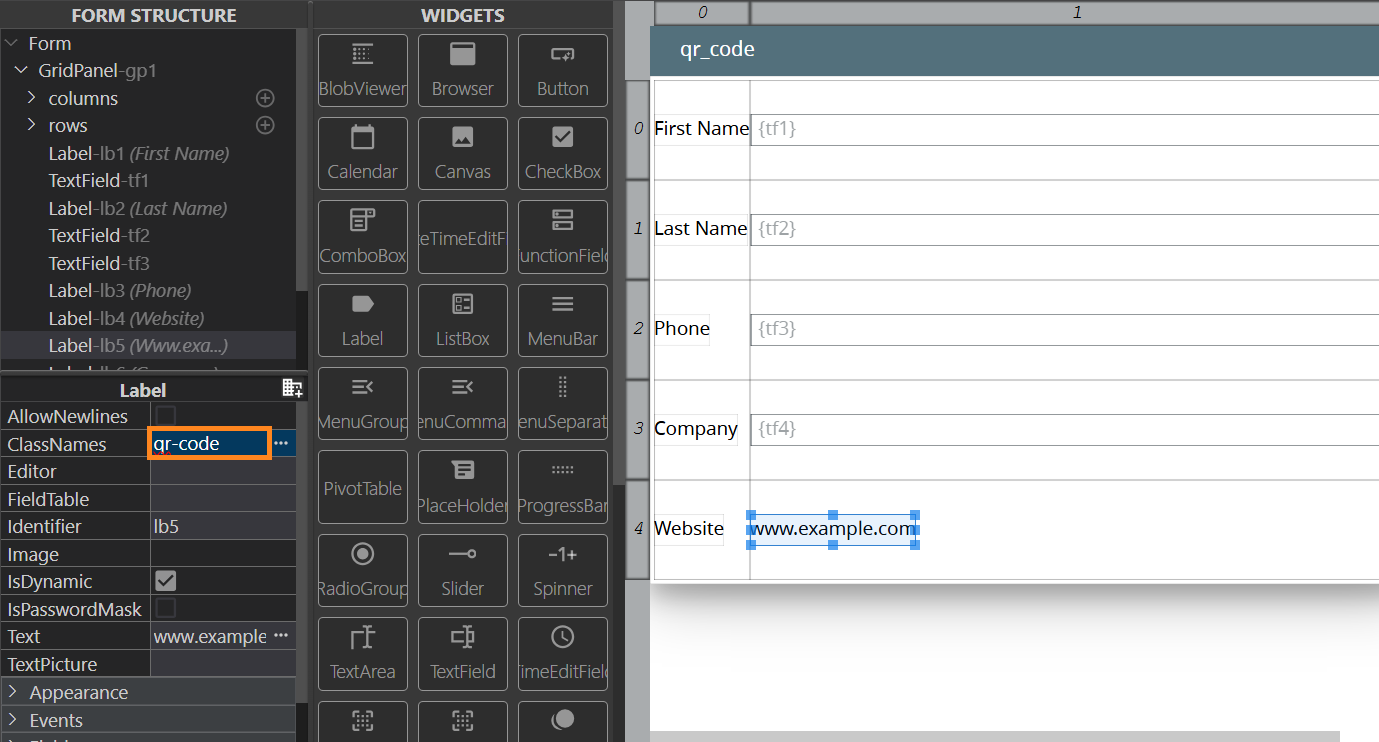
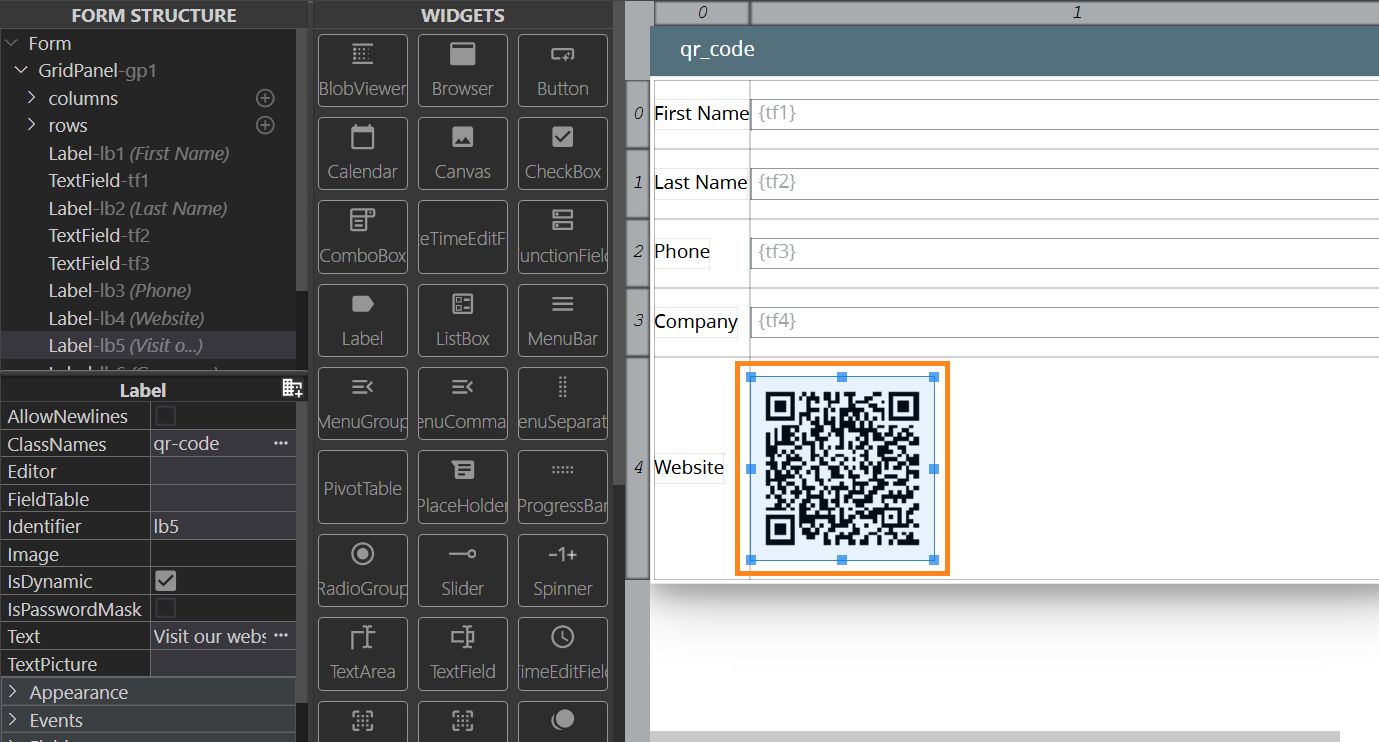
Step 2. In the ClassNames property, add the class named qr-code:
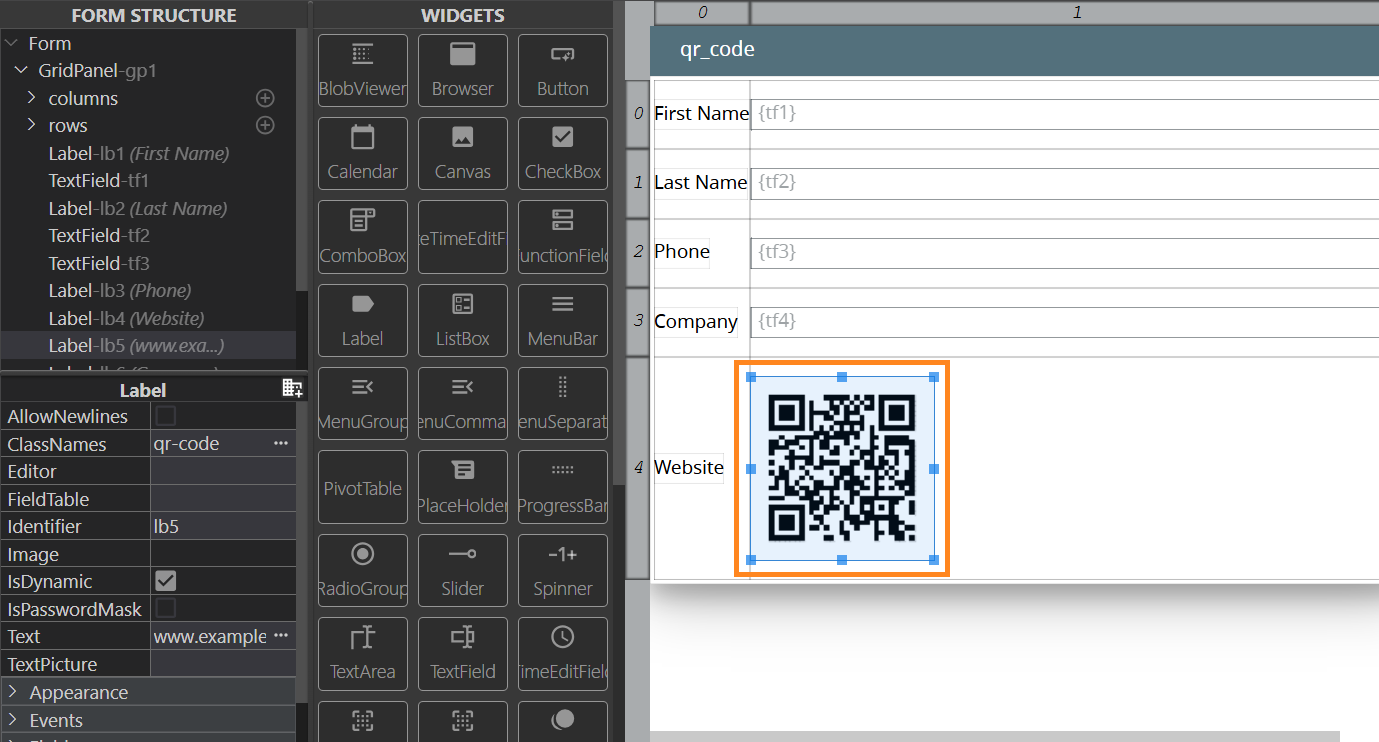
By default, Labels display the value of the Text properties. After you add the aforementioned class and press Enter, the text will turn into a QR code:
Likewise, you can not only add links to be rendered as QR code, but also additional text:
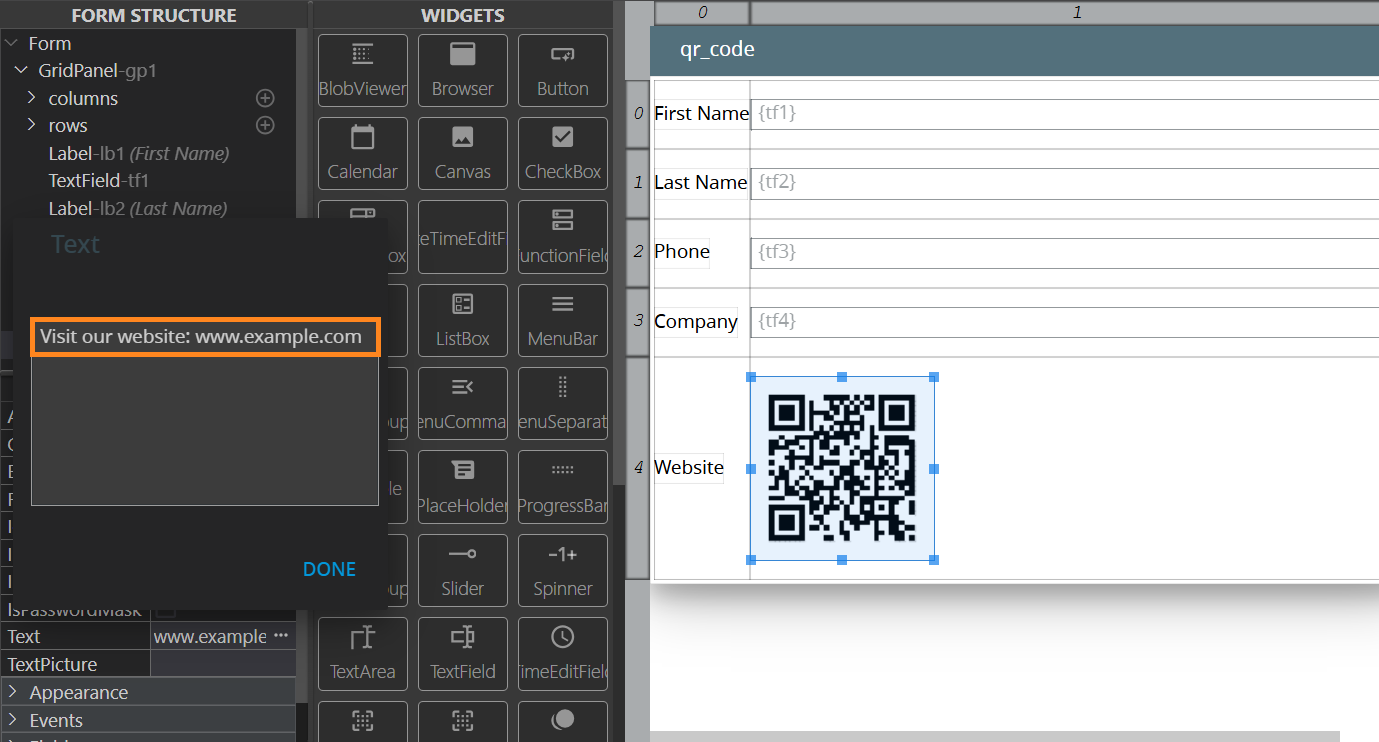
After you click Done, the QR code will change to reflect the current value:
Note: If a Label has no text, the QR code will contain the following link: https://www.querix.com.
QR Code Customization
- The default output format the QR code is in is PNG, but you can configure it towards SVG or HTML (table);
- The default colours are black and white, but you can set custom colours.
To configure those, add classes after the qr-code class:
| Customization | Class |
| Output: HTML | qr-code-html |
| Output: SVG | qr-code-svg |
| Colour 1 (light) | qr-code-light-<hexadecimal_color_value> |
| Colour 2 (dark) | qr-code-dark-<hexadecimal_color_value> |