11. Compile Applications
11A. Compile in LVSCE
Right-click your program or project in FGL Project Explorer and select Build or Rebuild.
To compile a single file, right-click it and select Compile.
Reference: For more on building in LVSCE, see the LVSCE Build page.
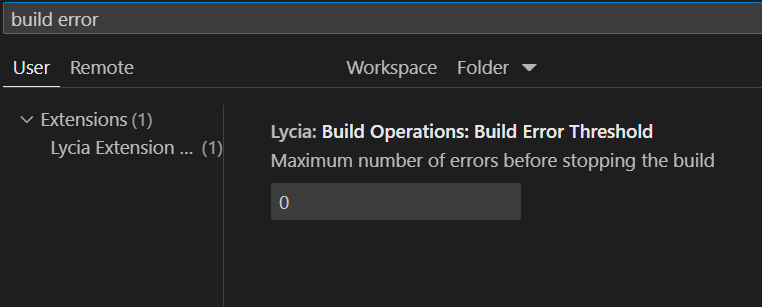
We have added a build errors count limit for Lycia to stop the build after a certain amount of errors. To set that amount, go to the Settings area of LVSCE, and find the setting called Lycia: Build Operations: Build Error Threshold:
11B. Compile Using Command Line Tools
Build Project: Use qbuild.
Command Example: qbuild your_project_name.
Compile 4GL: Use qfgl.
Command Example: qfgl your_program.4gl.
Compile Forms: Use qform.
Command Example: qform your_form.per.
Compile C/ESQL-C: Use qxcc (after esqlc for ESQL-C).
Command Example: qxcc your_c_file.c.
Link: Use qlink for IR modules.
Command Example: qlink your_program.4o.
See next: 12. Deploy Applications